Cancelling & deleting a domain
You can cancel & delete a domain with centron via your ccloud³ Dashboard by navigating to the ‘Network’ section via the left-hand sidebar. From there, go to the Domains section.
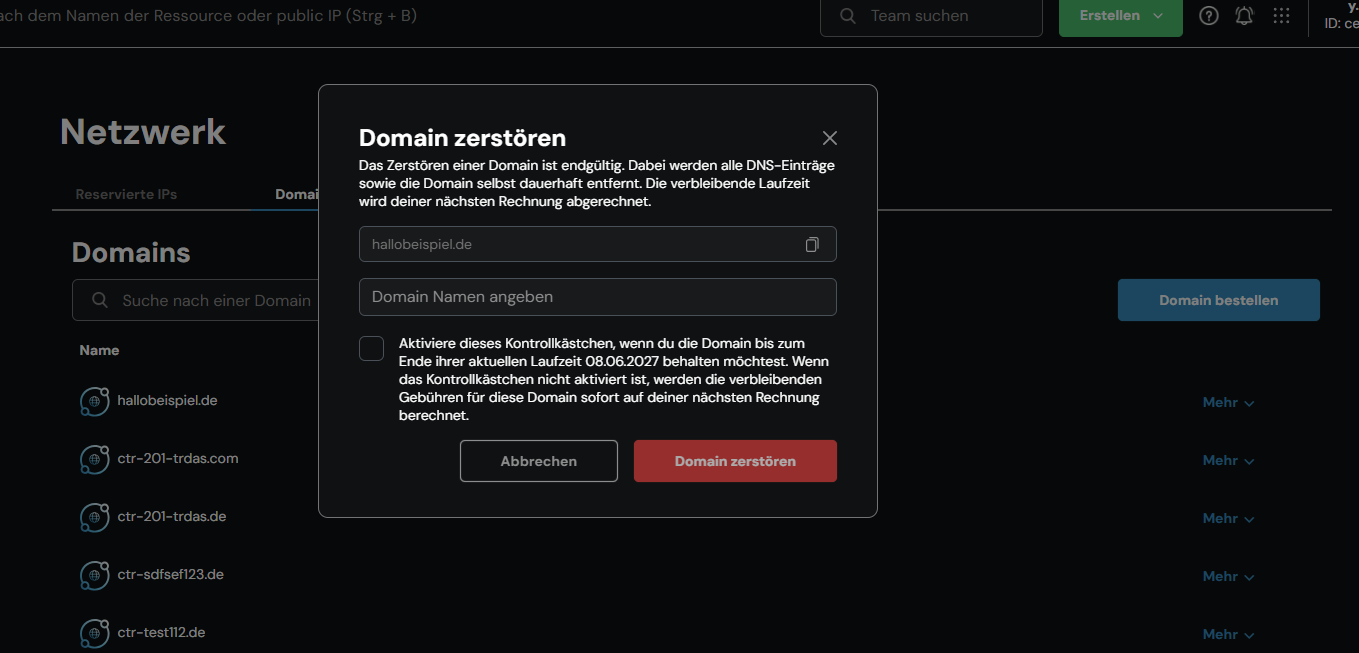
From the domains listed there, select the one you wish to remove. To the right of the domain name, you can open a drop-down menu by clicking ‘More’. Select »Delete« – this is the name given to the cancellation and deletion process at centron. An input field will open, explaining the consequences of cancellation and deletion.
Info
Please pay particular attention to the note next to the tick box if you wish to keep your domain active until the end of its term!!
Once you have completed the form, finalise the cancellation by clicking the red button labelled ‘Delete domain’.