Download performance reports
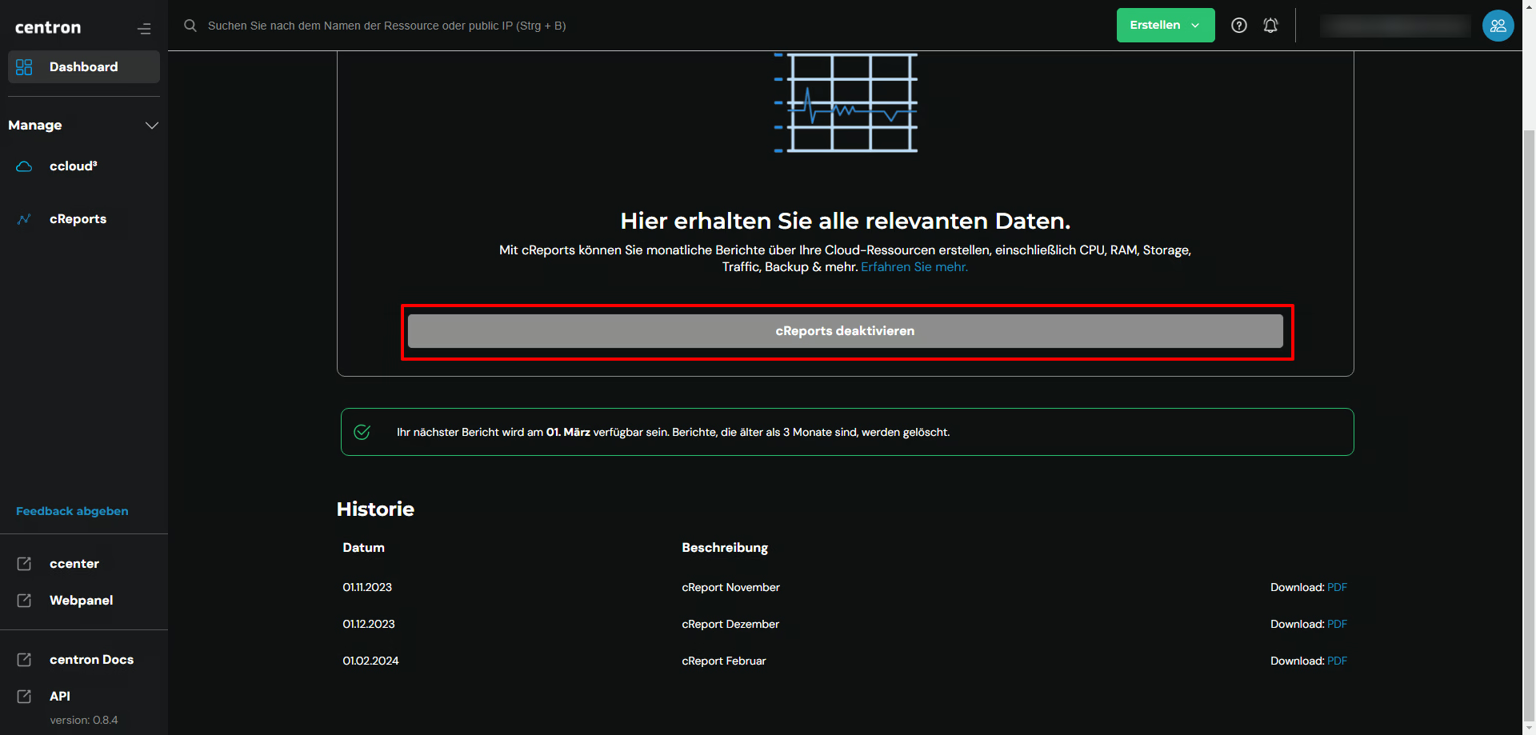
Download your cReports as a PDF from the cReports overview and access the last three monthly reports.
Requirements
- Access to the centron Control Panel
Download cReports
If you have activated cReports, a detailed report will be available to you at the end of the month as a PDF file. To download this, first navigate to your cReports Overview. At the bottom of the page, you will find a history of the last three cReport PDF files generated. Simply click on PDF and the report will be available in your Downloads folder.