Enable performance reports
Activate cReports in ccenter free of charge to receive monthly performance reports for your ccloud³ servers.
Prerequisites
- Access to the centron Control Panel
cReports
You can activate cReports yourself via ccenter free of charge. The following guide is a step-by-step guide to help you navigate through ccenter quickly and easily.
Please note: A maximum of three reports are stored in your overview. After that, they will be overwritten by newer reports.
Enabling cReports
- Log in to ccenter using your email address
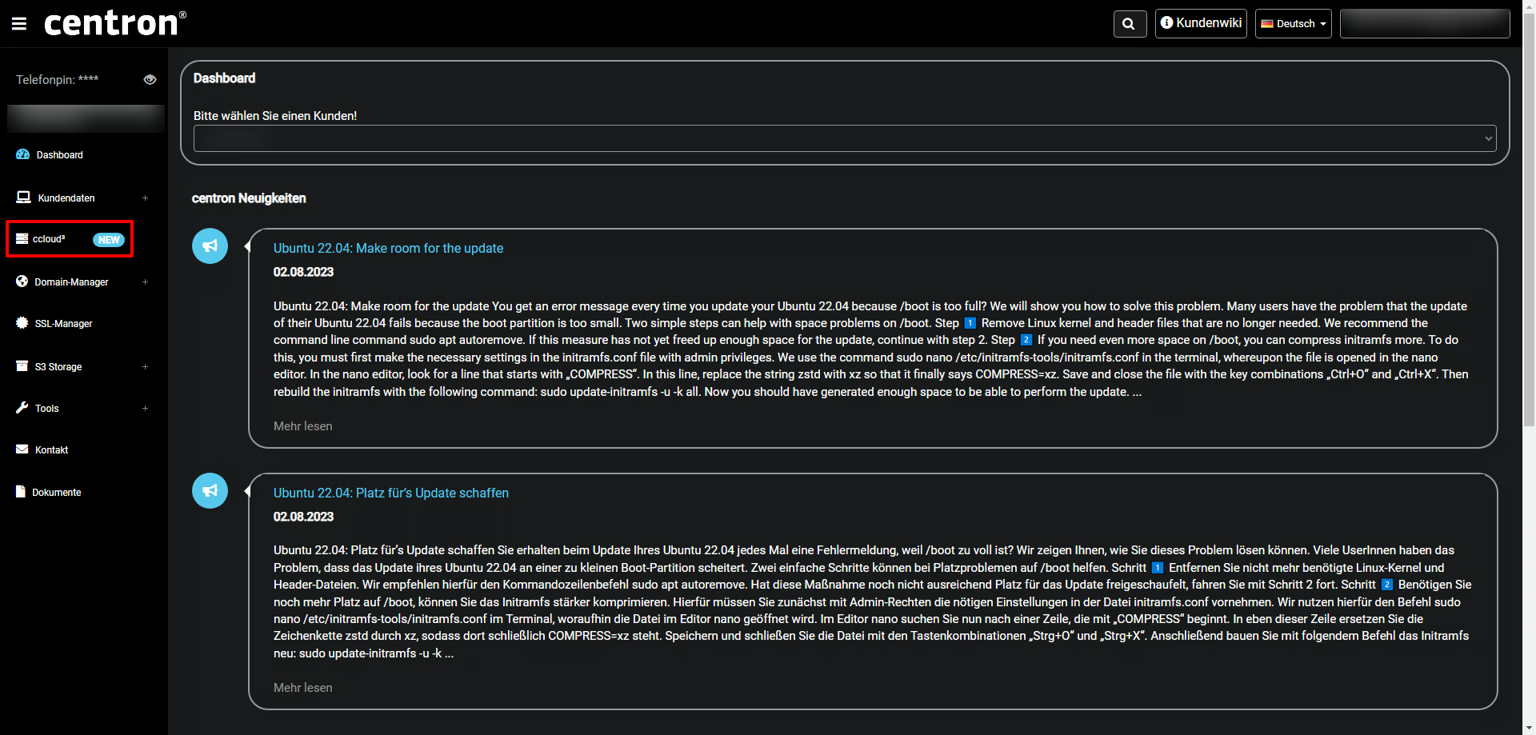
-> Alternatively, you can log in directly to ccloud³ - Now select ccloud³ from the menu on the left
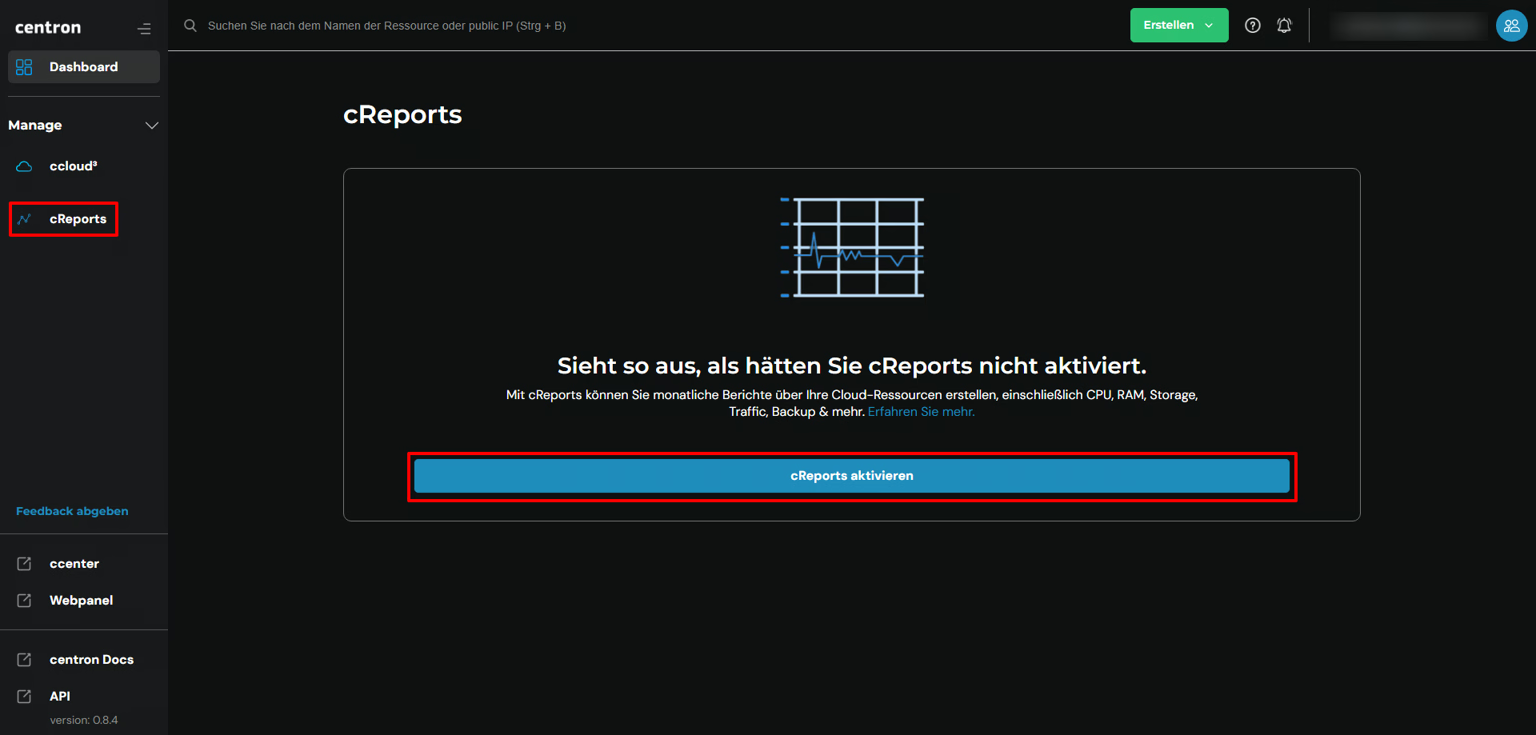
- Now select cReports from the menu on the left
- All you need to do is click on Activate cReports and you’ll have a detailed report available at the end of the month!