Disable performance reports
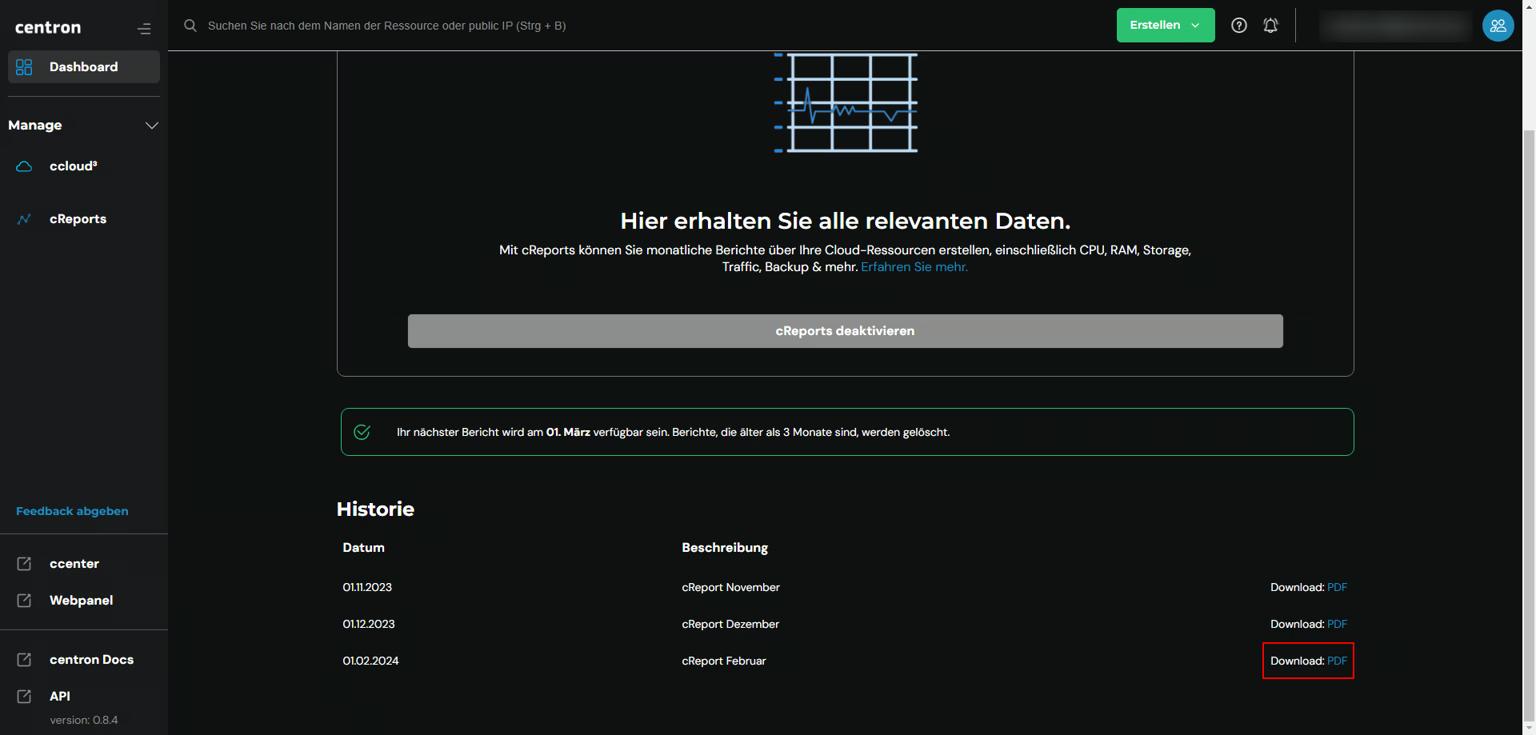
Deactivate cReports in the ccloud³ cReports view so that no further performance reports are generated in future.
Prerequisites
- Access to the centron Control Panel
Disable cReports
If you decide that you no longer wish to use cReports, you can deactivate it just as easily. To do this, navigate to the cReports view in ccloud³. Then click on Deactivate cReports. From now on, no further cReports reports will be generated for you until you reactivate the feature.