Allocate resources to a quota
If a quota has been booked and you now wish to create a server using the available resources, the instructions below will serve as a step-by-step guide:
-
Go to ccenter and log in using your email address
-> Alternatively, you can log in directly to cloud further down the page
-
Now select ccloud³ from the menu on the left
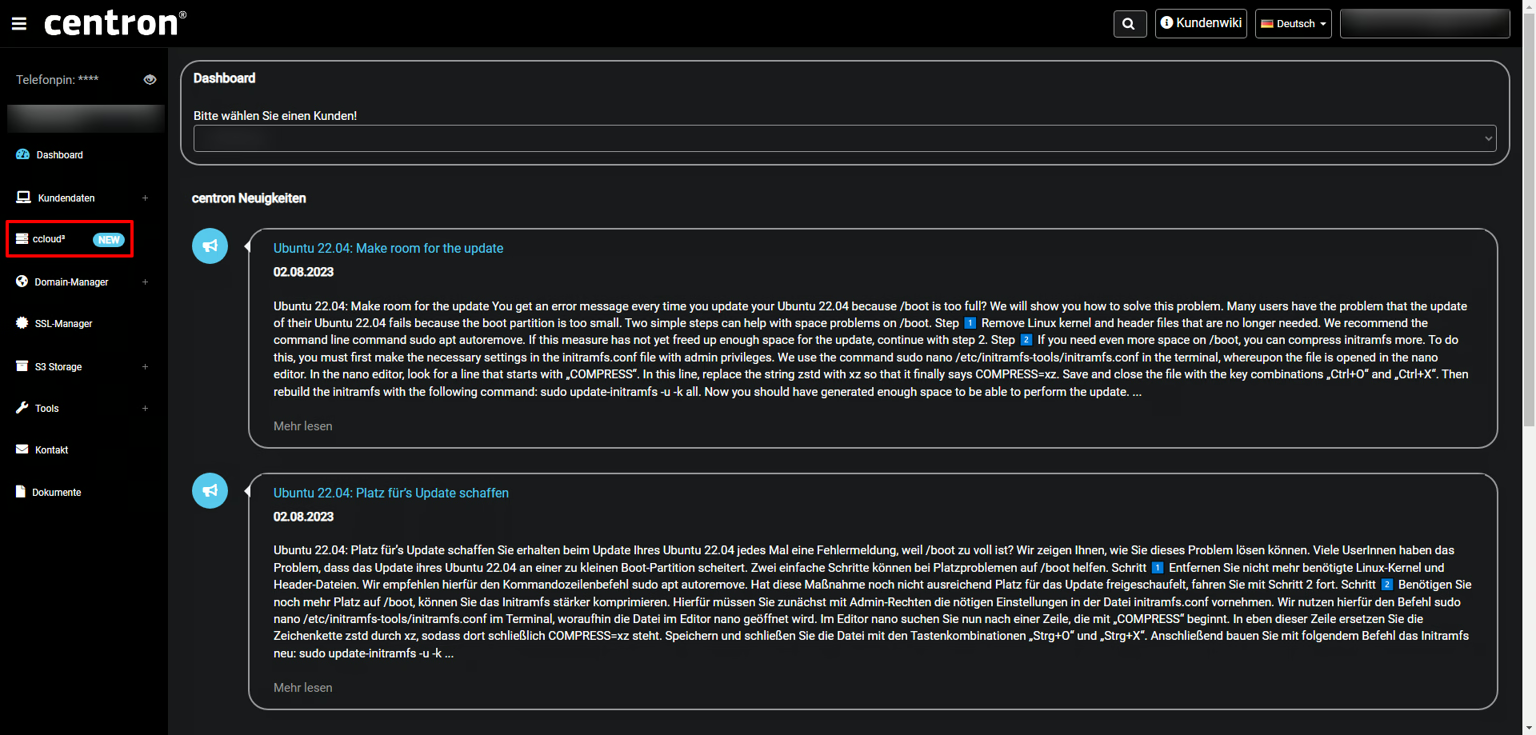
- Now click on the Create button and then on Create VM
- Configure your server to suit your needs and select your allocation under Resource Pool
The server resources used must be within your allocation
- Clicking on Create VM will create a server for you within your quota!
Prerequisites
- Access to the centron Control Panel